
How to Resolve Android Error Code 407 (Step-by-Step Guide)

 4 min. read
 Updated on
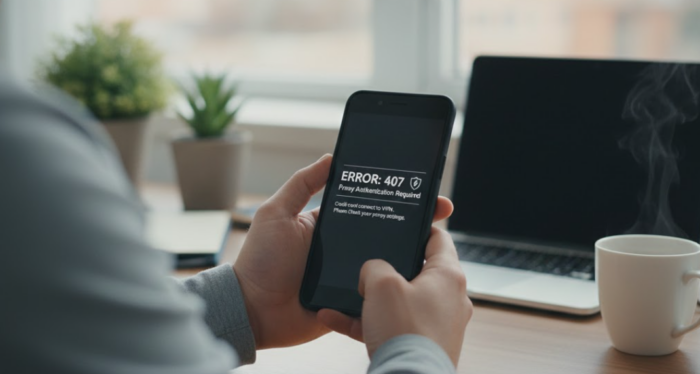
Error 407 occurs when an Android device attempts to access a resource through a proxy server that requires authentication, and the provided credentials either do not match the server’s requirements or are absent. The most common causes include incorrect proxy credentials, misconfigured proxy settings, or network policy changes that require updated authentication.
Check and Update Proxy Settings
- Open the Settings app on your Android device. Navigate to Network & internet, and choose the Wi-Fi network.
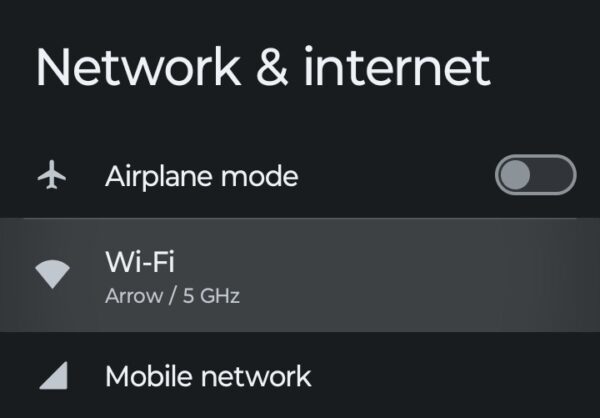
- Tap the Gear icon next to the network name.
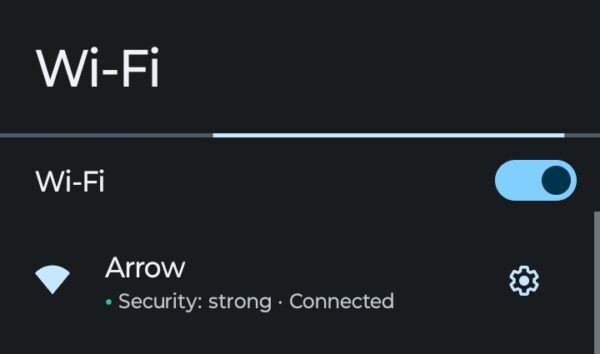
- Press the Pencil icon on the top right, and choose Advanced Options.
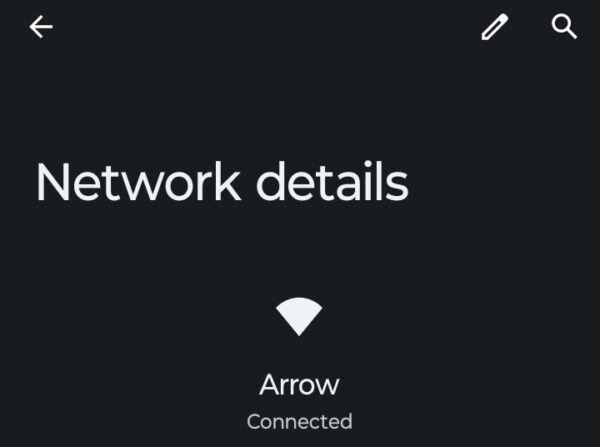
- Under Proxy, tap the dropdown menu to see current settings.
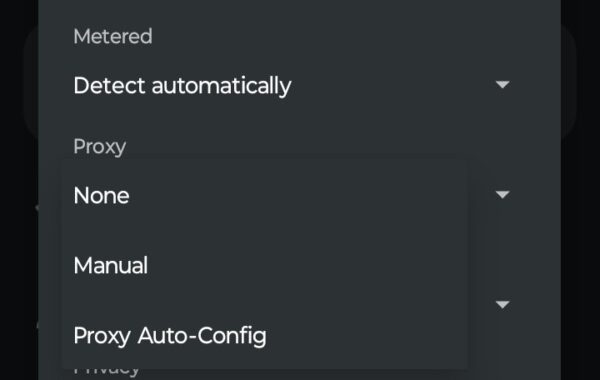
Verify the proxy server details, including address, port, username, and password. Ensure there are no typos or extra spaces in the username or password fields. If you recently changed your network password, update the proxy credentials to match.
For a home network where the proxy is set incorrectly, select None to disable it. If you are on a corporate or school network, contact your network administrator. Request the correct proxy server address, port number, authentication credentials, and confirm which authentication protocol your network uses (Basic, Digest, or NTLM).
Clear Browser Cache and Data
Sometimes a corrupt or overwhelmed cache can cause proxy errors and reach the wrong page.
- Open your browser app (Chrome, Firefox, Samsung Internet) and tap on the menu icon (three dots).
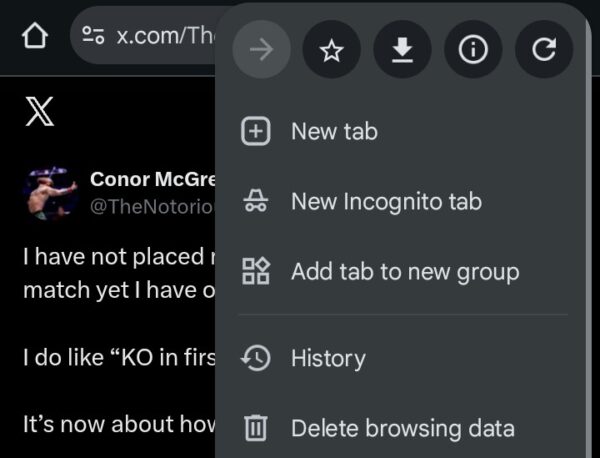
- Select Delete browsing data.
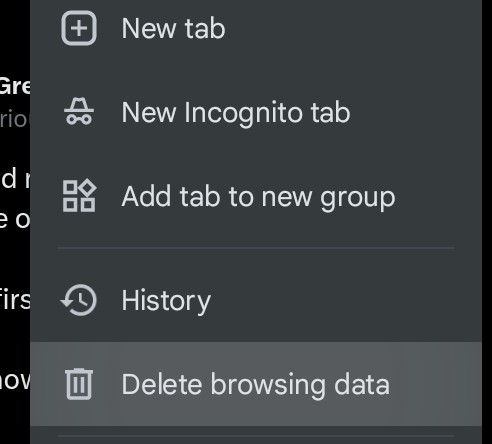
- Choose a time range and tap on Delete Data. Restart your browser and try accessing the website again.

Disable or Reconfigure VPN Settings
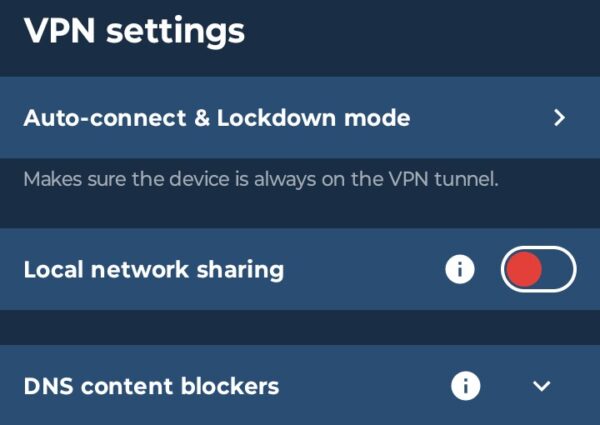
VPNs that use proxy technology can also cause 407 errors with the wrong settings. If you are using a VPN app, open the VPN settings. Temporarily disable the VPN to see if the error clears. If the error disappears, check your VPN’s proxy configuration settings.
Ensure the VPN proxy credentials match your network requirements, and contact your VPN provider’s support if the issue persists with VPN enabled.
Pro Tips
- Always double-check proxy credentials for typos or extra spaces before saving settings.
- Keep a record of your network proxy settings in case you need to restore them.
- Contact your network administrator immediately if you are on a corporate network and unsure about proxy settings.
- If your network password changes, remember to update proxy credentials in your Wi-Fi settings.
- Avoid using public Wi-Fi networks that require proxy authentication unless you trust the network provider.
The Bottom Line
Android Error Code 407 signals an authentication issue between your device and a proxy server. The error means your device either lacks the required credentials or is using incorrect authentication information.
Verifying your proxy username and password or clearing corrupted browser cache resolves the issue in most cases. Home users should disable proxy settings if configured incorrectly, while corporate and school network users should consult their IT departments for accurate configurations.
What does error code 407 mean on Android?
Error code 407 means Proxy Authentication Required. Your Android device is trying to access a network resource through a proxy server, but the server requires valid authentication credentials that are either missing or incorrect. This error commonly appears on corporate, school, or institutional networks.
Can I fix error 407 without contacting my network administrator?
If you are on a home network, you can fix error 407 by disabling the proxy in your Wi-Fi settings or clearing your browser cache. However, if you are on a corporate or school network that requires proxy authentication, you will need to contact your IT department to obtain the correct credentials.
Why does error 407 appear when using a VPN?
VPNs that use proxy technology can trigger error 407 if the proxy configuration is incorrect or if credentials do not match your network requirements. Temporarily disable the VPN to see if it is causing the error. If the error disappears, check your VPN proxy settings or contact your VPN provider.
Will clearing my browser cache fix error 407?
Clearing your browser cache can fix error 407 if corrupted cached data is causing authentication issues. However, if the root cause is incorrect proxy credentials rather than corrupt cache files, you need to verify your username and password or contact your network administrator.
How do I know if my network uses a proxy server?
Check your Wi-Fi settings by going to Settings, Network & internet, selecting your network, tapping the Gear icon, then the Pencil icon, and choosing Advanced Options. Under Proxy, if you see Manual or anything other than None, your network uses a proxy server requiring authentication credentials.


Improve this guide
User forum
0 messages