
Best Apps Optimized for Android XR: Essential Downloads

 6 min. read
 Updated on
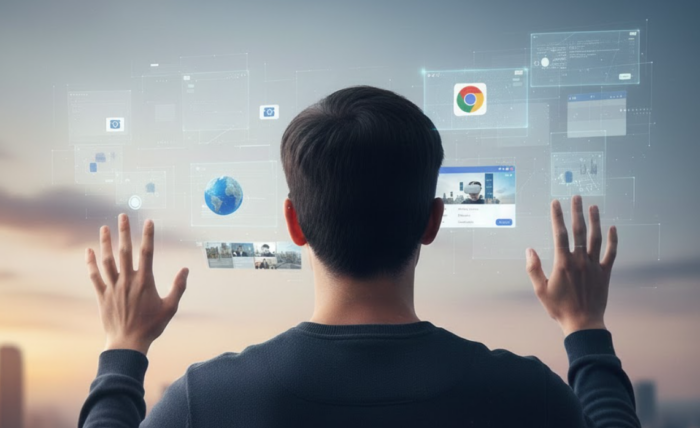
Android XR launched in October 2025 with the Samsung Galaxy XR headset, and this ecosystem is just getting started. While millions of existing Android apps work on the platform through compatibility mode, only a handful have been built or optimized specifically for spatial computing.
The current lineup includes wellness apps, professional creative tools, sports content, and streaming platforms that go beyond basic compatibility. Here’s what’s available and what makes each one worth installing.
Best Android XR Apps
The apps designed specifically for Android XR take full advantage of the headset’s spatial features, hand tracking, and immersive environments. They’re different from standard Android apps that just float around as 2D windows in space. These experiences were built from the ground up to work in three dimensions.
Calm
Calm transformed its popular meditation app into a fully spatial experience for Android XR, and the result is impressive. The app features a 3D Breathe Bubble that helps you focus on breathing exercises in a way that feels natural and immersive. Instead of watching a circle expand and contract on a flat screen, you’re surrounded by a softly pulsing orb that anchors you to your breath.
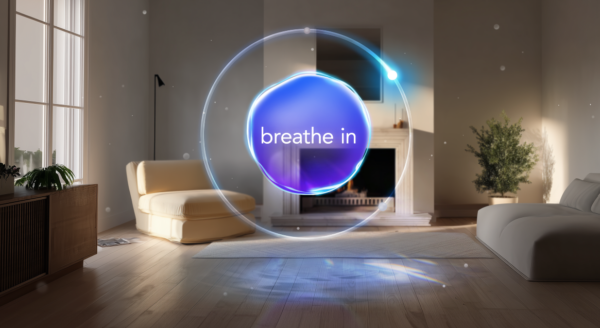
The app includes 360-degree environments like dunes and lakes that adapt to the time of day. The backgrounds wrap around you and fade into your physical space, turning any room into a private sanctuary. At launch, Calm offered more than 50 audio experiences optimized for XR, including meditations, soundscapes, and focus music.
Maps
Google Maps on Android XR includes Immersive View, which lets you explore the world in stunning 3D. You can fly above cities, walk through streets, and even step inside select locations with detailed 3D interiors. The feature uses hand gestures to navigate. Pinch and drag with one hand to move, or pinch with both hands to zoom in and out.
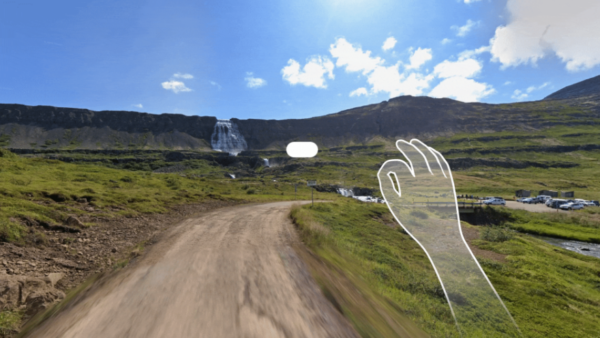
Immersive View combines aerial imagery, Street View, and AI-generated 3D models to create photorealistic environments. You can explore landmarks like the Colosseum or walk the streets of Tokyo before booking a trip. Gemini AI integration means you can ask questions about what you’re seeing and get instant answers. It’s one of the most impressive apps on the platform and shows what spatial computing can do for exploration and travel planning.
Concepts
Concepts by TopHatch is a vector-based sketching app that brings creative work into three dimensions. The app supports hand tracking and lets you draw with an infinite canvas, meaning you can sketch without worrying about running out of space. It’s designed for designers, architects, and creative professionals who want to work in a more flexible environment.
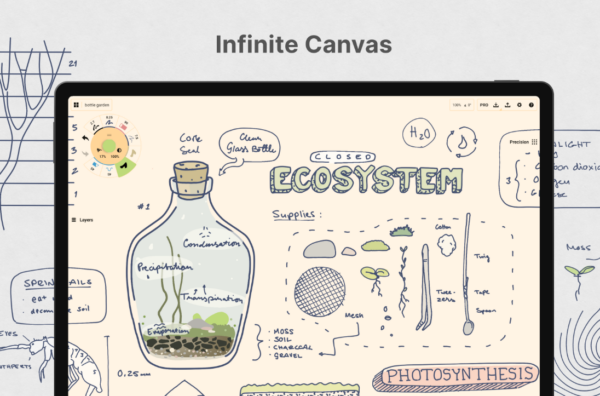
The app includes realistic pencils, pens, and brushes that respond to pressure, tilt, and velocity. You can add layers, adjust colors using HSL or RGB wheels, and export your work to formats like PDF, PNG, and SVG. While Concepts started on mobile and desktop platforms, the Android XR version takes advantage of spatial features to make sketching feel more natural and intuitive.
Netflix
Netflix is available on Android XR as a compatible app, which means it runs as a 2D window in your virtual space. You can resize it to any size you want, turning any room into a private theater. The app supports the same content library you’d get on any other device, and it’s exclusive to Android XR among VR headsets. Apple Vision Pro doesn’t have a native Netflix app, which makes this a notable advantage for the Samsung Galaxy XR.
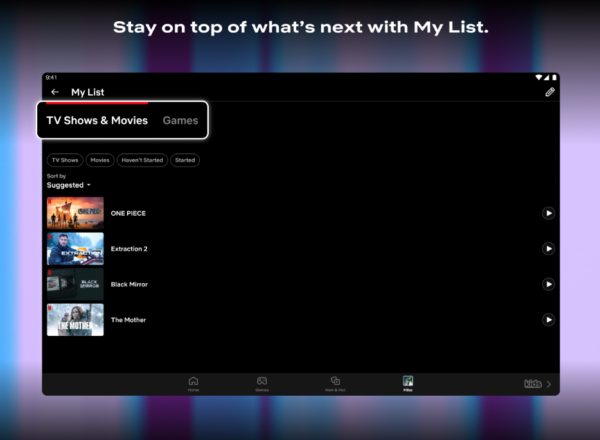
The streaming experience works well because you control the size and placement of the screen using hand gestures. You can make it enormous, place it wherever you want in your space, and watch without distractions. It’s straightforward, but it’s one of the most useful apps for entertainment on the platform.
Job Simulator
Job Simulator from Owlchemy Labs is a VR classic that’s been ported to Android XR with full hand tracking support. The game puts you in humorous simulations of various jobs, from office worker to chef, in a world where robots have taken over all human employment. You interact with objects by reaching out and grabbing them, which works surprisingly well with hand tracking.
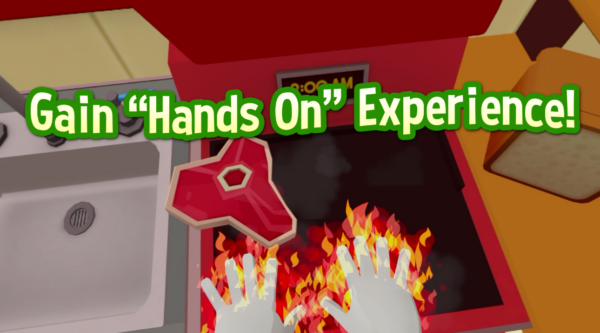
The game is perfect for showing off what the headset can do. It’s been a hit on other VR platforms since 2016, and the Android XR version maintains the same charm while taking advantage of the platform’s hand and eye tracking features.
Asteroid
Asteroid is a 180-degree short film that doubles as an interactive experience. Co-directed by Doug Liman (The Bourne Identity), the story follows a group of strangers who risk everything to mine a near-Earth asteroid. The film stars Ron Perlman, Hailee Steinfeld, and NFL player DK Metcalf.
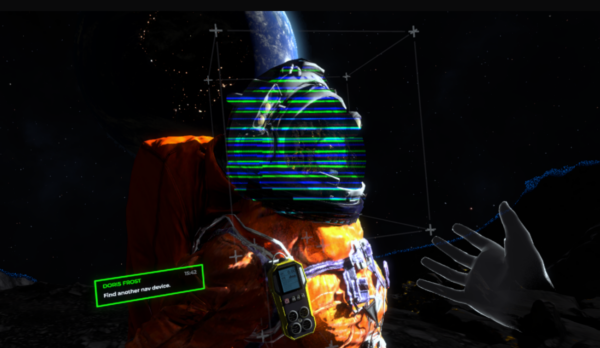
What makes Asteroid unique is that it splits into three segments. The first and last involve conversations with a fictionalized version of Metcalf using generative AI, which lets you ask questions and explore the story at your own pace. The experience is free and works as a good introduction to what Android XR can handle with immersive storytelling.
Vacation Simulator
Vacation Simulator is the sequel to Job Simulator, and it expands on the original concept by taking players to Vacation Island. The game lets you explore beaches, forests, and mountains while participating in activities like yoga and various mini games. The game supports hand tracking and uses the same style of physics-based interaction that made Job Simulator popular.

You can customize your avatar, take selfies, and explore different vacation spots without worrying about real-world constraints. It’s lighthearted fun and shows how VR games can create experiences that feel completely different from traditional gaming.
Vacation Simulator for Android
NFL Pro Era
NFL Pro Era by StatusPRO is the first officially licensed NFL VR game, and it’s available on Android XR as part of the Explorer Pack. The game puts you in the helmet of a quarterback or linebacker, letting you experience what it’s like to play professional football from a first-person perspective.
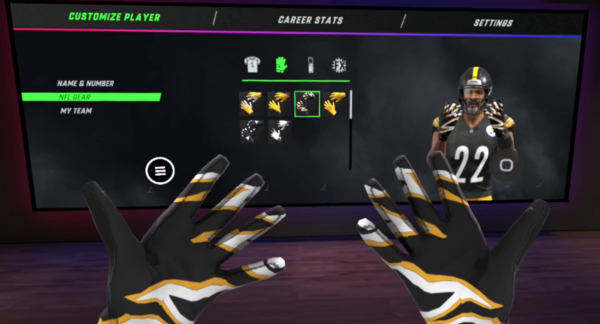
You run plays, call audibles, and compete through full seasons with any of the 32 NFL teams. The game includes all officially licensed stadiums and delivers what StatusPRO calls “first-person sports.” It uses hand tracking and supports controllers, and the experience has been praised for making players feel like they’re actually on the field.
The Bottom Line
Android XR’s app ecosystem is growing, but the platform’s real strength is that it runs millions of existing Android apps alongside native XR experiences. The apps built specifically for spatial computing, like Calm and Google Maps, show what’s possible when developers take full advantage of the headset’s capabilities.
Netflix being available gives Android XR a content advantage over competitors, while experiences like Asteroid show how filmmakers are experimenting with immersive storytelling. The platform is new, so expect more developers to optimize their apps for spatial features in the coming months.


Improve this guide

User forum
0 messages