
How to AirDrop From Android to iPhone: Complete Guide

 4 min. read
 Updated on
Sending files between Android and iPhone used to require workarounds like email attachments or cloud storage. Apple’s AirDrop remained exclusive to its ecosystem while Android users relied on Quick Share for device-to-device transfers. That changed in November 2025 when Google announced Quick Share now works with AirDrop, but only on Pixel 10 devices for now.
This breakthrough came from EU regulations forcing Apple to open AirDrop to third-party platforms. Google Pixel 10 users can now AirDrop from Android to iPhone directly without apps or cloud services. The feature works both ways, letting iPhone users send files to Pixel 10 devices through AirDrop as well. For other Android devices, alternative methods still provide reliable file-sharing options.
How to AirDrop From Android to iPhone
The method you use depends on which Android device you own. Pixel 10 users benefit from new AirDrop compatibility, while other Android phones require workarounds.
For Google Pixel 10 Users
Enable Quick Share on your Pixel 10 by swiping down twice to access Quick Settings. Tap Quick Share to turn it on.
On the iPhone, open Settings, tap General, select AirDrop, and choose “Everyone for 10 Minutes.” This temporary setting allows your Pixel 10 to detect the iPhone.
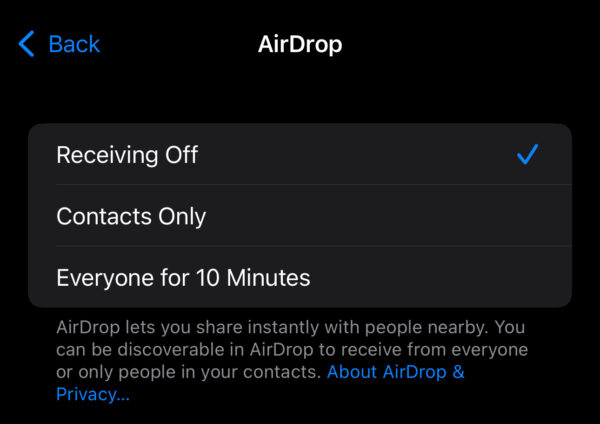
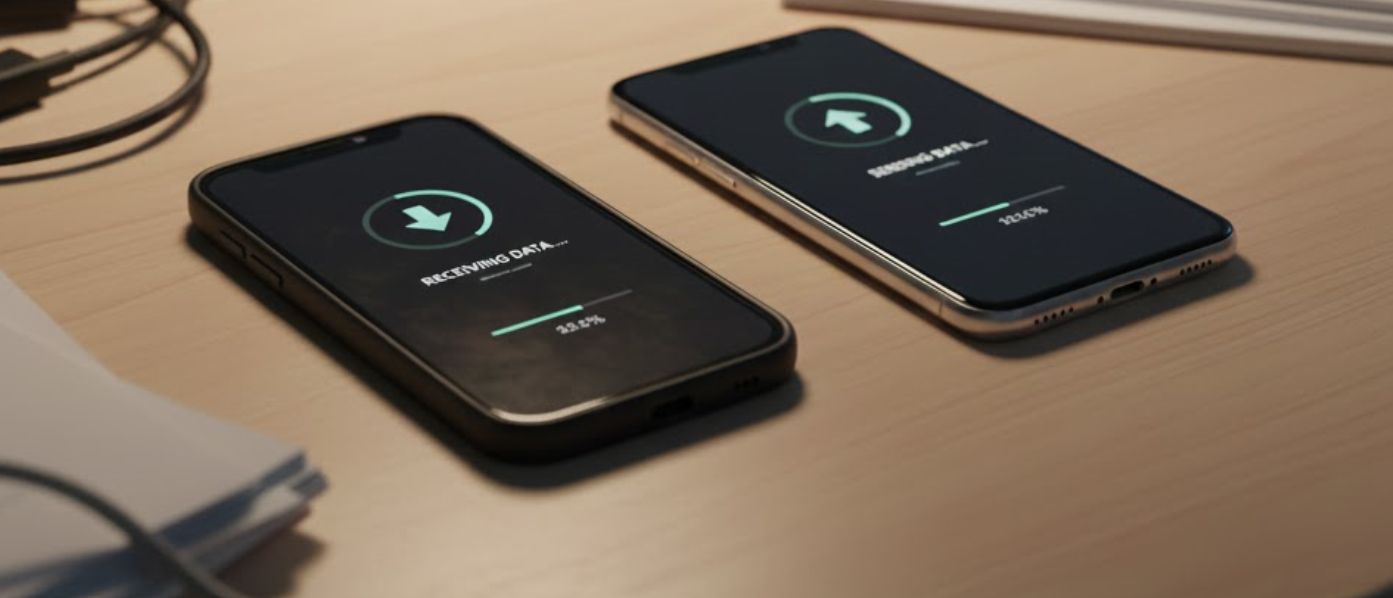
On your Pixel 10, select the file you want to send. Tap Share, choose Quick Share, and tap the iPhone’s name. The iPhone displays an AirDrop notification. Tap Accept to receive the file.
The transfer uses a direct peer-to-peer connection through Wi-Fi and Bluetooth. No internet or data usage is required. Both devices must have Wi-Fi and Bluetooth enabled.
For Other Android Devices
Android phones without the Pixel 10’s AirDrop compatibility can still transfer files to iPhones using cloud storage and third-party solutions.
Using Cloud Storage Services
Google Drive, Dropbox, and OneDrive provide reliable cross-platform file sharing. Upload files from your Android device and share the link through messaging or email. The iPhone user opens the link and downloads the file. This method works for any file size your storage plan supports.
Other Alternatives
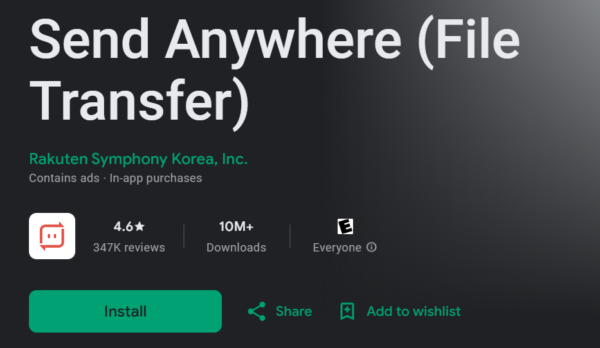
Third-party apps like Send Anywhere and Snapdrop eliminate cloud storage. Send Anywhere generates a six-digit code when you select files. The iPhone user enters the code to receive files. Snapdrop works through web browsers at snapdrop.net without installing apps.
Email works for small files under 25MB for Gmail. Messaging apps like WhatsApp and Telegram support file transfers but compress photos and videos, reducing quality.
The Bottom Line
The ability to AirDrop from Android to iPhone represents a significant shift in cross-platform compatibility. Google Pixel 10 users gain seamless file sharing that previously required workarounds. The feature will expand to more Android devices in the future as Google extends Quick Share and AirDrop interoperability.
For Android users without a Pixel 10, cloud storage remains the most practical solution. Google Drive integration with Android makes it the natural choice, though Dropbox and OneDrive work equally well. Keep both Wi-Fi and Bluetooth enabled on all devices for the fastest transfers, regardless of method.
No. Only Google Pixel 10 devices currently support AirDrop compatibility through Quick Share. Other Android phones must use cloud storage, third-party apps, or messaging services to transfer files to iPhones.
No. The Pixel 10 to iPhone transfer through Quick Share and AirDrop uses direct Wi-Fi and Bluetooth connections. No internet or cellular data is consumed during transfers.
For Pixel 10 users, ensure the iPhone’s AirDrop is set to “Everyone for 10 Minutes” not “Contacts Only.” Both devices need Wi-Fi and Bluetooth enabled. For other Android phones, AirDrop won’t detect them at all.
Google announced plans to expand Quick Share and AirDrop compatibility to more Android devices but hasn’t specified which models or when. The Pixel 10 launched with exclusive access in November 2025.
For Pixel 10 to iPhone transfers, no. Quick Share on Android communicates directly with AirDrop on iPhone. For other methods, third-party apps like Send Anywhere require installation on both devices.


Improve this guide
User forum
0 messages