
How to Tell If Your Android Phone Has Been Cloned (Complete Guide)

 5 min. read
 Updated on

In today’s digital age, safeguarding your Android device from cyber threats is more important than ever. One serious but often overlooked threat is phone cloning. This happens when someone duplicates your phone’s unique identifiers—such as your IMEI number or SIM details—to gain unauthorized access to your data, calls, and messages.
If your Android phone has been cloned, hackers could intercept calls, read messages, track your activity, or even commit fraud using your identity. Learning how to spot the warning signs early can help you act fast and protect your personal information.
This guide will walk you through how to tell if your Android phone has been cloned, the common symptoms to look out for, and what steps you should take if you suspect cloning.
What Is Phone Cloning?
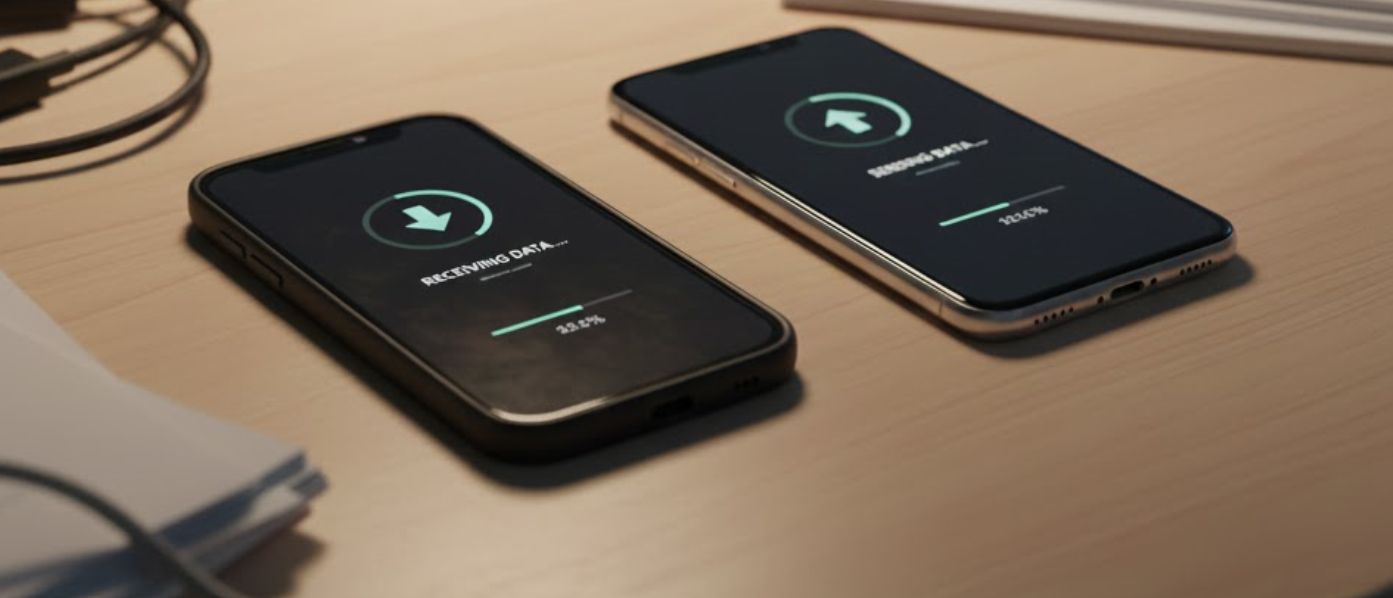
Phone cloning is the process of copying a phone’s unique identity and transferring it to another device. Once cloned, the attacker can:
- Make calls and send messages using your number
- Access private communications
- Bypass security systems tied to your phone number
- In some cases, access banking or social media accounts
Cloning usually happens through malware, insecure apps, SIM card attacks, or compromised public Wi-Fi networks.
Who This Guide Is For
This guide is tailored for Android users who suspect unauthorized access or unusual behavior on their devices.
What You’ll Need
- Access to your Android phone
- Basic familiarity with Android settings
- A few minutes to review your device activity
Signs Your Android Phone May Be Cloned
Before diving into the steps, here are common warning signs to watch out for:
- Sudden spikes in mobile data usage
- Unknown apps appearing on your phone
- Rapid battery drain without heavy use
- Calls or messages you don’t recognize
- Network issues or dropped calls
- Notifications about login attempts you didn’t make
If you’re noticing more than one of these, it’s time to investigate further.
How to Tell If Your Android Phone Has Been Cloned
1. Check for Unusual Data Usage
Cloned phones often transmit data in the background without your knowledge.
How to check:
- Open Settings on your Android phone
- Go to Network & Internet (or Connections)

- Tap Data Usage

- Review your mobile data consumption

If you notice large or consistent data spikes that don’t match your usage habits, it could indicate unauthorized activity.
2. Look for Unknown or Suspicious Apps
Hackers often install hidden apps to monitor activity or transmit data.
Steps:
- Open Settings
- Tap Apps & notifications (or Apps)

- Scroll through the list of installed apps

- Look for apps you don’t remember installing
If you find suspicious apps:
- Uninstall them immediately
- Restart your phone
- Avoid reinstalling apps from unknown sources

3. Monitor Battery Drain
Unusual battery drain is a common symptom of background spying or data transmission.
How to check battery usage:
- Open Settings
- Tap Battery

- Select Battery Usage

Pay attention to apps consuming power in the background without explanation. If your phone battery drains quickly even when idle, cloning or malware could be the cause.
4. Verify Call and Message Logs
If your phone is cloned, someone else may be making calls or sending texts using your number.
What to do:
- Review your call history for unknown outgoing calls

- Check SMS and messaging apps for messages you didn’t send

- Ask friends or contacts if they received strange messages from you
For a deeper check, contact your mobile network provider and request a detailed call and SMS log. Report any suspicious activity immediately.
5. Check Network Behavior and Signal Issues
Cloned phones can cause network conflicts.
Watch for:
- Frequent call drops
- Poor signal in areas where coverage is usually strong
- “No service” errors appearing randomly

These issues may occur when two devices attempt to use the same identity on the network.
What to Do If You Suspect Your Phone Has Been Cloned
If you believe your Android phone has been cloned, act quickly.
Secure Your Device
- Enable Two-Factor Authentication (2FA) on all important accounts
- Change passwords for email, banking, and social media apps
- Remove suspicious apps immediately

Update Your Phone
- Go to Settings → System → Software Update
- Install the latest Android updates and security patches

Contact Your Service Provider
- Report the issue to your mobile carrier
- Ask them to block or reissue your SIM if necessary
- Request a new IMEI or SIM replacement if advised
How to Prevent Phone Cloning in the Future
- Avoid installing apps from unknown sources
- Don’t connect to unsecured public Wi-Fi networks
- Keep your Android OS updated
- Lock your SIM with a PIN
- Be cautious of phishing links and suspicious messages
Final Thoughts
Phone cloning is a serious security threat, but the good news is that it’s often detectable if you know what to look for. By monitoring data usage, checking installed apps, reviewing call logs, and keeping your Android device updated, you can quickly identify and stop unauthorized access.
If something feels off with your phone, don’t ignore it. Acting early can save you from data theft, financial loss, and privacy invasion.
Look for unusual data usage, unknown apps, unexpected battery drain, and unfamiliar calls or messages.
Yes, by identifying and removing the source of unauthorized access, you can restore your phone’s security.
Contact your service provider, change key account passwords, and consider a factory reset.
While specific cloning detection software is rare, security apps can monitor unusual activity and alert you to potential issues.
Cloning typically requires additional data, but safeguarding your number and personal information is crucial.


Improve this guide



User forum
0 messages