
Top Nova Launcher Themes: Elevate Your Android Experience

 5 min. read
 Updated on
Your Android home screen doesn’t have to look like everyone else’s. Nova Launcher themes transform the visual identity of your device, replacing generic icons with custom designs that match your personal style. Whether you prefer minimalist white icons, dark gradients, or vibrant colors, the right icon pack can completely change how you interact with your phone.
The beauty of Nova Launcher themes lies in their flexibility. You can apply new looks in seconds without root access or technical skills. These themes work seamlessly with Nova Launcher to give your device a fresh appearance that stands out from the crowd.
Where to Get Nova Launcher Themes
Nova Launcher themes are actually icon packs available through the Google Play Store. These packs replace your default app icons with custom designs, often including wallpapers and widgets. Most developers offer both free and paid versions, with premium packs typically providing more icons and additional customization options.
Installing Nova Launcher themes takes just a few taps. Download your chosen icon pack from the Play Store, open Nova Launcher settings, tap Look & Feel, select Icon Theme, and choose your new pack. The transformation happens instantly. Some themes include thousands of icons covering nearly every popular app, while others focus on specific aesthetic styles with smaller collections.
The Best Nova Launcher Themes
These Nova Launcher themes represent the top choices for 2025. Each offers distinct visual styles and features that cater to different preferences.
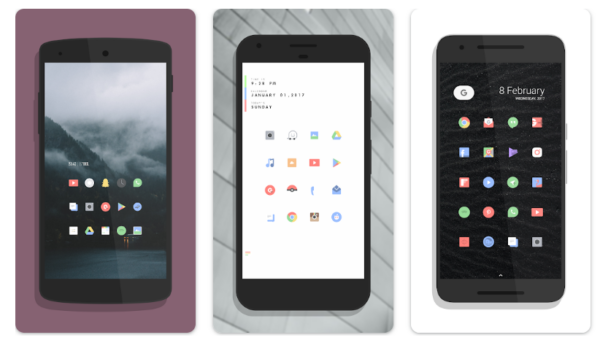
Delta Icon Pack
Delta brings a minimalist pastel design to your Nova Launcher themes collection. This open-source pack features thousands of hand-designed icons with soft colors that refresh your screen without overwhelming it.
- Over 2,000 hand-crafted icons with regular updates
- Supports 20+ launchers, including Nova, Apex, and Action
- Icon masking ensures unthemed apps match the aesthetic
Delta Icon Pack is completely free and open source. The design focuses on familiarity, so you won’t struggle to recognize your apps.
Nova Icon Pack
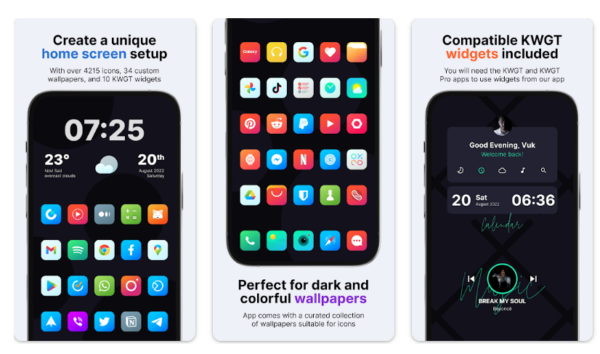
Nova Icon Pack delivers colorful variety with over 520 high-quality icons. The pack emphasizes bright, eye-catching designs that make each app instantly recognizable.
- 520+ premium icons with frequent updates
- Compatible with Nova Launcher, ADW Launcher, and Apex
- Icon request feature allows users to submit missing apps
This pack is free to download with regular updates based on user requests.
Articons Line Icon Pack
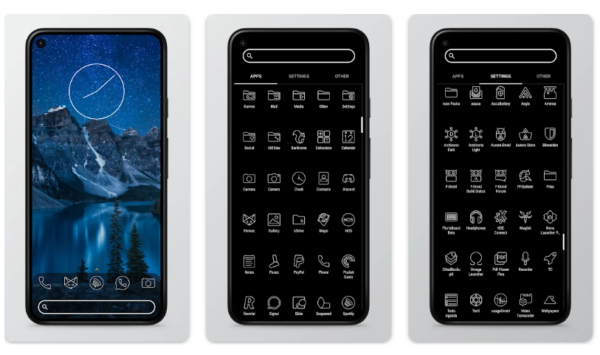
Line-based designs define Articons, making it one of the cleanest Nova Launcher themes available. The pack strips away unnecessary details, leaving only essential outlines.
- 10,000+ line-based icons for comprehensive coverage
- Black and white design works perfectly with AMOLED displays
- Icon masking handles unsupported apps seamlessly
Articons costs around $2. The monochrome aesthetic pairs beautifully with dark wallpapers.
Viral Icon Pack
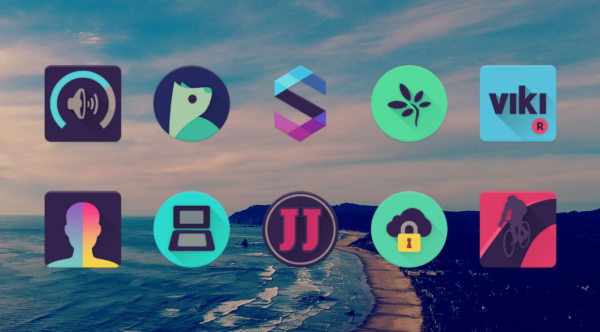
Dark, stylized icons make Viral a standout among Nova Launcher themes. This pack combines Material Design principles with a dark pastel color palette.
- 4,148+ icons with dark, modern styling
- Over 200 included wallpapers designed to complement icons
- Supports 20+ launchers plus Adapticons
Viral Icon Pack is free with optional in-app purchases. The dark theme reduces eye strain and saves battery on OLED displays.
One UI Icon Pack
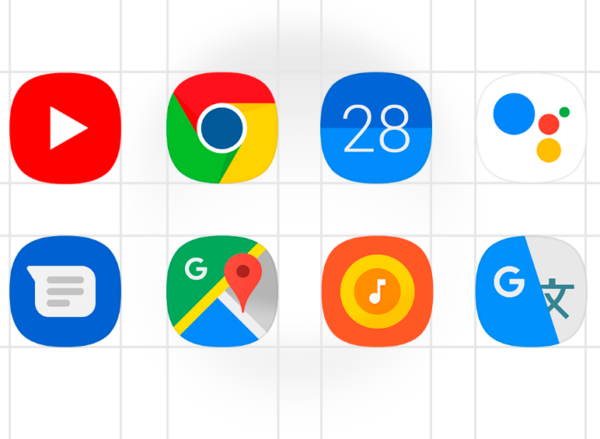
Samsung’s One UI design language comes to any Android device through this pack. It recreates Samsung’s polished, flat icon style with material colors.
- 15,000+ handmade icons inspired by Samsung’s One UI
- 250+ Samsung stock wallpapers included
- Dynamic calendar support and icon masking
One UI Icon Pack costs around $1 to $3. Samsung fans can bring their favorite design elements to non-Samsung devices.
Moonshine Icon Pack
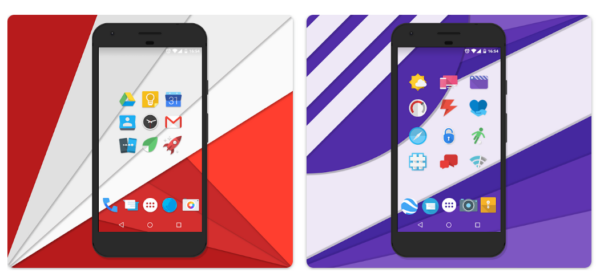
Nougat-styled icons with subtle visual flair define Moonshine. This pack offers a balanced middle ground between stock Android and heavy customization.
- Free to use with regular updates
- Nougat-inspired design with modern touches
- Includes custom wallpapers that pair well with icons
Moonshine Icon Pack remains free. The design stays close to Android’s native look while adding enough personality to feel distinct.
Circons Icon Pack
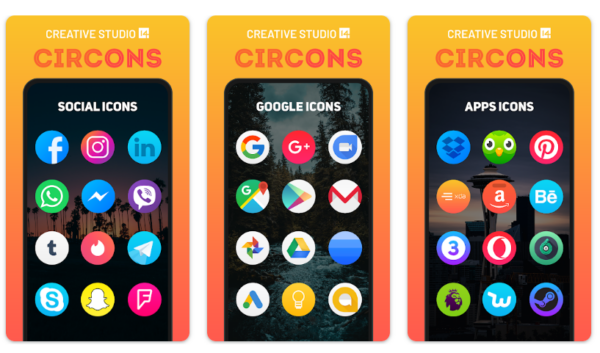
Circular icons with gradient overlays make Circons one of the most colorful options. Each icon features modern gradient designs that create depth.
- 3,200+ circular icons with vibrant gradients
- 10 wallpapers and 5 KWGT widget presets included
- Alternate icon styles for popular apps
Circons Icon Pack is free with limitations on icon requests. The bright designs work well with light wallpapers.
Monoic Icon Pack
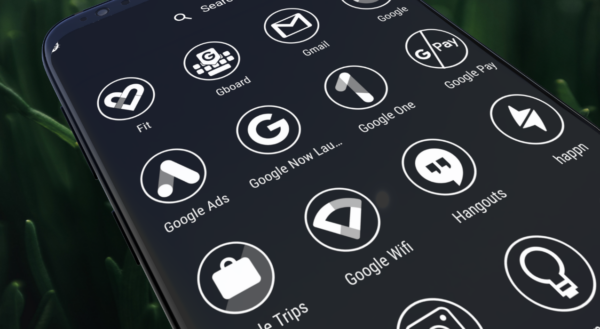
Pure white icons against dark backgrounds define Monoic. This minimalist pack features over 15,000 white, monotone icons perfect for OLED displays.
- 15,000+ white icons for comprehensive coverage
- Ideal for AMOLED screens with dark wallpapers
- Icon request system with a premium subscription option
Monoic Icon Pack is free with premium features available. The stark white-on-black aesthetic creates maximum contrast.
Conclusion
Nova Launcher themes give you control over your Android device’s appearance in ways stock launchers never allow. From pastel minimalism to dark gradients, these icon packs transform generic interfaces into personalized experiences. The installation process takes seconds, and switching between themes costs nothing but time.
Start with free options like Delta or Moonshine to explore different aesthetic directions. Once you identify your preferred style, premium packs like Articons or One UI offer expanded libraries and additional features. Your home screen reflects your personality, so choose Nova Launcher themes that make you happy every time you unlock your phone.


Improve this guide


User forum
0 messages